
65″ Touchscreen Smart Whiteboard for Office Collaboration
Real all-in-one company display board with built-in AI camera and 24 mics, designed to align your team and boost hybrid collaboration.
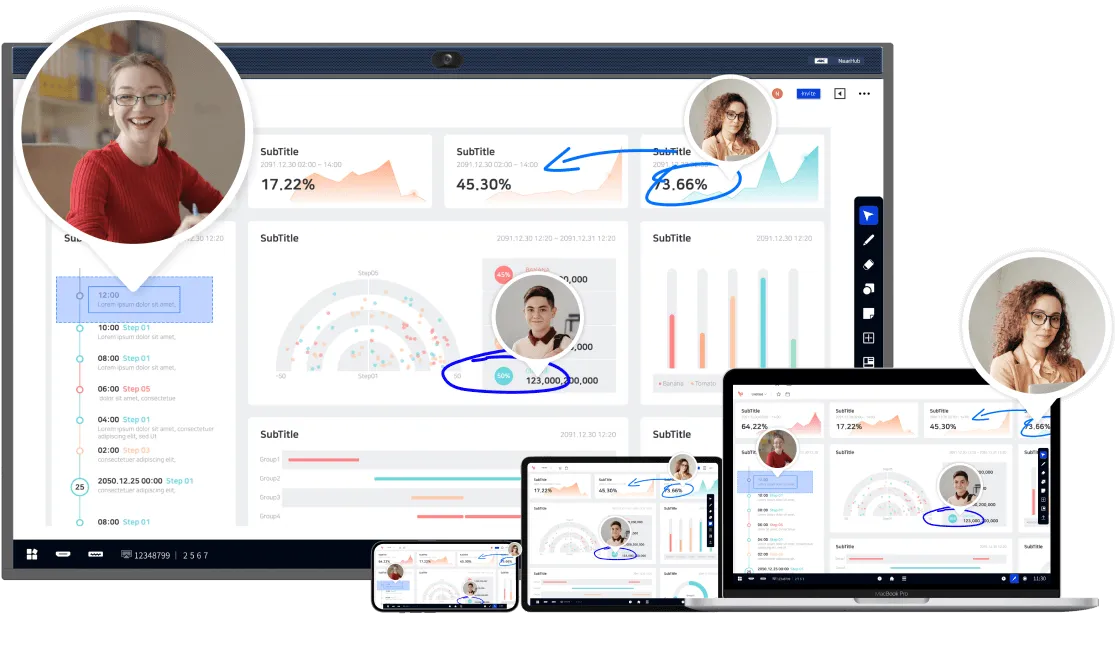
ALL-IN-ONE COLLABORATION HUB: NearHub combines a smart whiteboard for office with built-in camera & mics and whiteboarding software, creating an open ecosystem with enterprise-grade data protection. A single interactive whiteboard for business enables video conferencing, screencasting, annotation, and real-time collaboration.
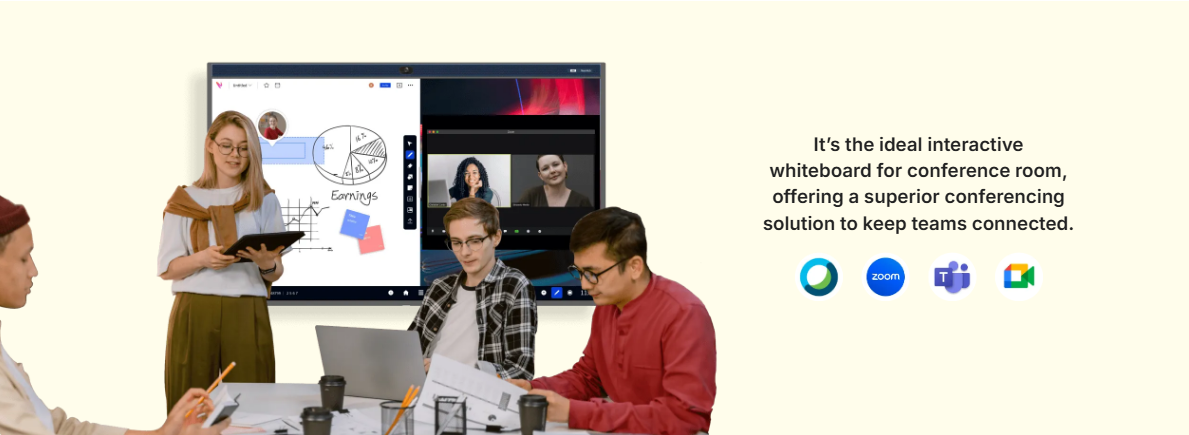
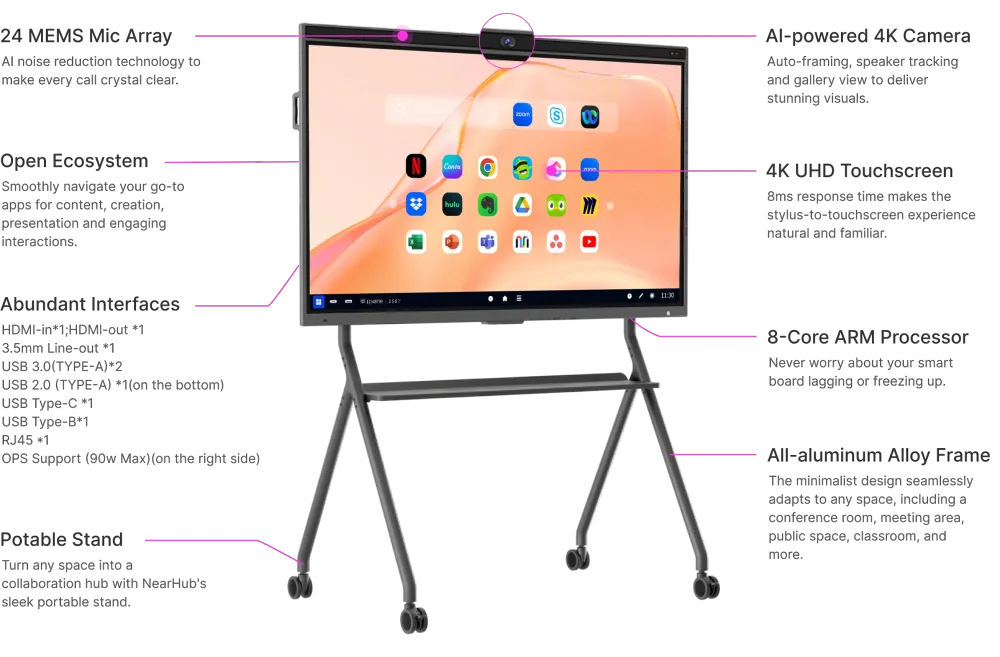
IMMERSIVE MEETTING THAN EVER: With a 24-element microphone array and 120° wide-angle 4K AI camera, NearHub meeting room smart board offers versatile camera modes like Gallery View, Speaker Tracking, and Auto Framing for a more immersive hybrid meeting experience.
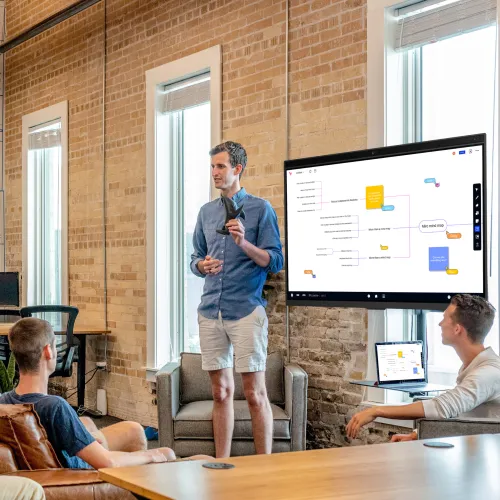
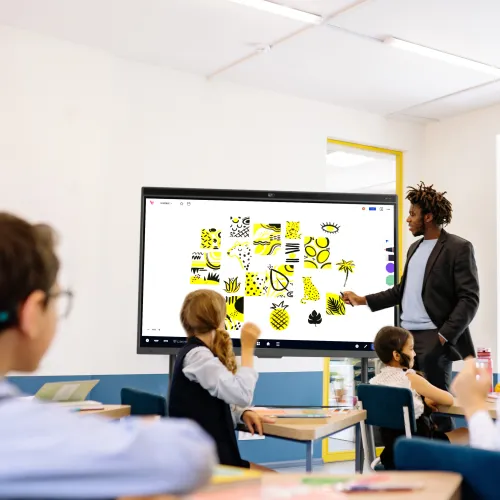

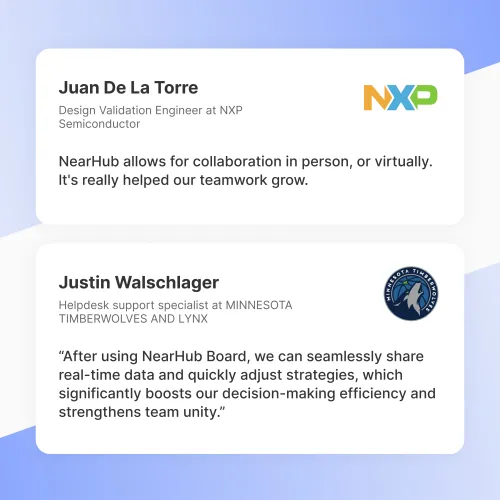
What is a NearHub Digital Board for Office?
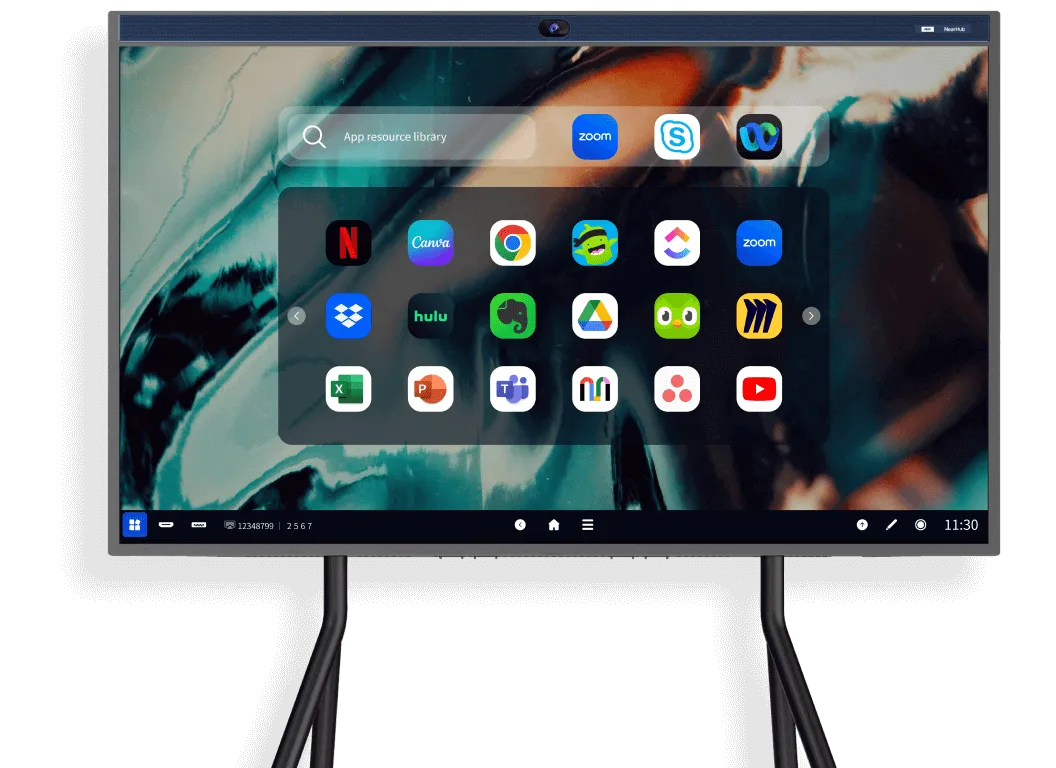
It’s a giant Android/Windows Tablet with all your go-to apps for productive work.
NearHub Board could also install Windows system via OPS.
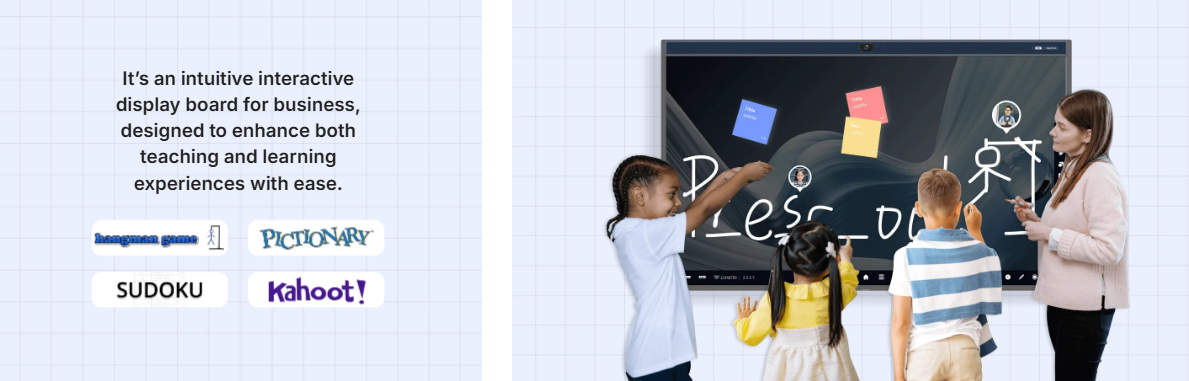
It’s a smart board for office that fosters hybrid collaboration, seamlessly switching between online and onsite environments.

Why 86,000+ Business Choose NearHub to Transform the Workspace?
One Hub to Replace Things All

✔ All-in-one collaboration hub
✔ Streamlined workflow on one device
✔ Permanently store your files and notes
✔ Easy set-up

✖ TV + dry-erase board + projector + computer + display
✖ Managing cluttered papers and board photos
✖ Disjointed workflow across countless devices
✖ Heavy IT support and lots of cables
Supercharge Team Productivity
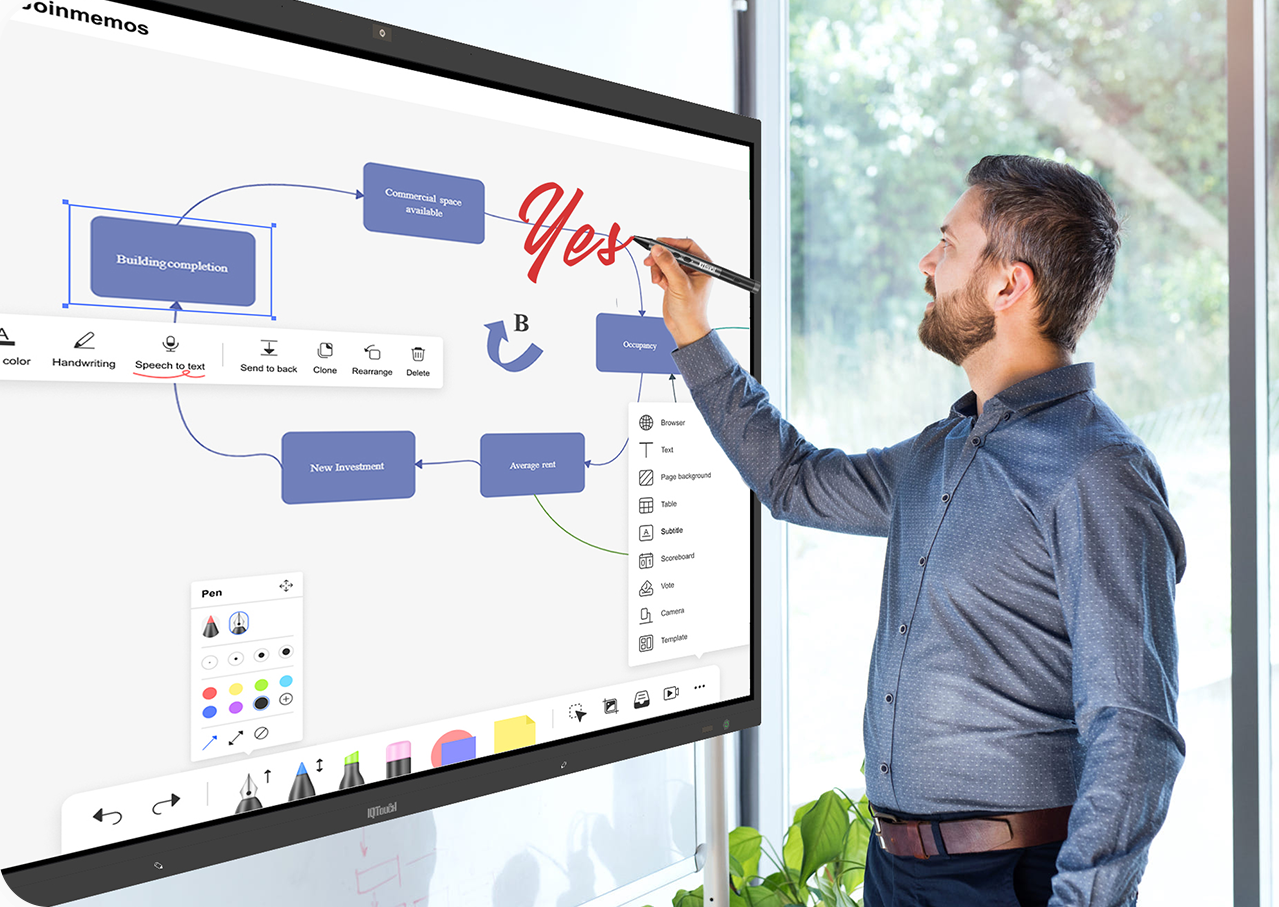
✔ Infinite canvas, simplify ideas for creativity
✔ Powerful template library, keep your work organized
✔ Erase and restore notes at breeze

✖ Run out of space
✖ Meeting notes are too messy to read or understand
✖ Erased notes cannot be recovered
Collaborate than Never Before
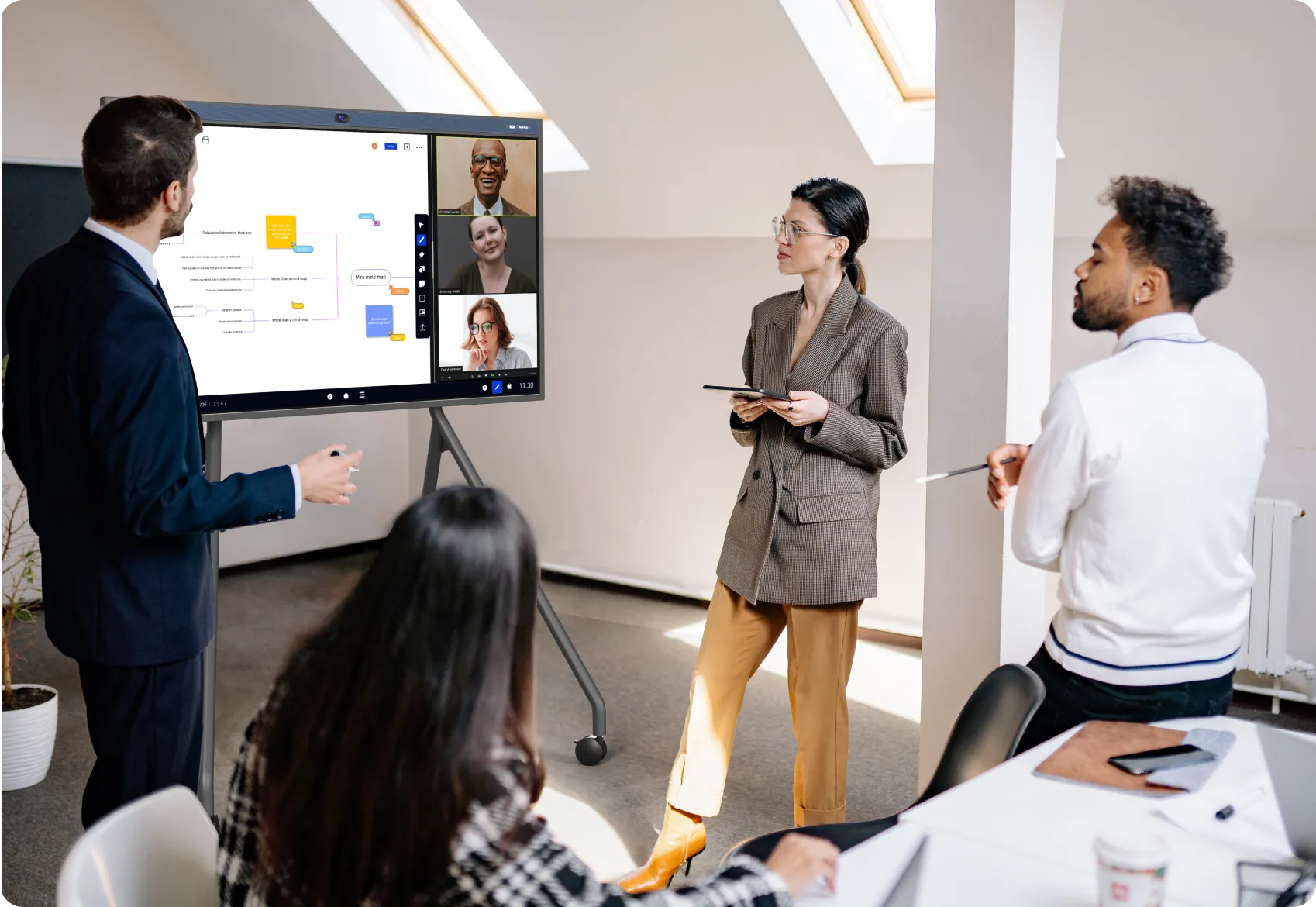
✔ Bring teams together, on-site or remote
✔ Automatically save your work in the cloud, pick up where you left off
✔ Leaving your comments in the whiteboard to visualize suggestions

✖ Work in silos
✖ Take photos after the meeting and put in extra work to organize notes
✖ Send an email or message with suggestions and a photo
Bring Presentations to Life
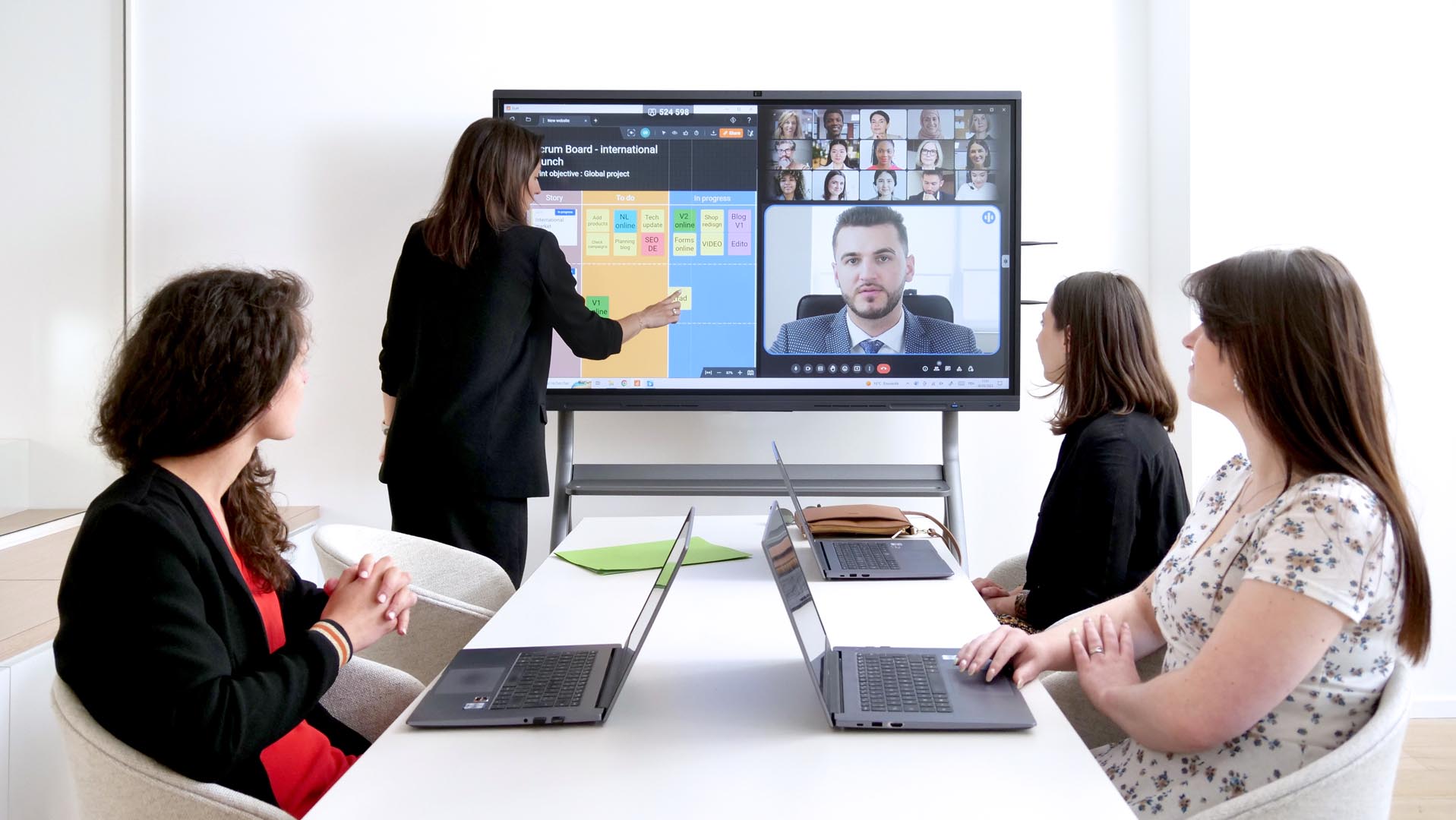
✔ Engage your audience
✔ Fun and interactive presentation with dynamic references
✔ Annotate to better illustrate your ideas

✖ One way output
✖ Plain presentation
✖ Limited to hand gestures and laser pointers
The Most Powerful, Fast and Portable All-In-One Smart Board for Office
Screen Share
Make Presentations Engaging
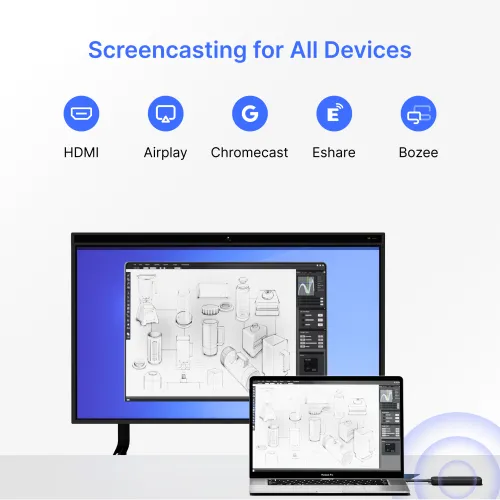
Engage your audience like never before with a smart whiteboard for office featuring wireless and wired screen casting options, including Airplay, Eshare, USB Display, Chromecast, NearHub Tail, and HDMI.
Cast files from any device—computer, tablet, or smartphone—to the NearHub digital whiteboard for office via Airplay, Eshare, USB Display, ChromeCast and Tail. NearHub supports up to 9 terminals simultaneously for seamless screen casting.
With the NearHub Tail, the adapter for the interactive whiteboard for business, you can start a presentation in seconds, enjoying stable, low-latency wireless connectivity even in areas without Wi-Fi.
Seamlessly annotate on your screen share and easily share your notes to Canvas or other third-party apps like Teams, Zoom, or Skype, enhancing team collaboration with a meeting room smart board.
Hybrid Meeting
Make Meetings More Productive
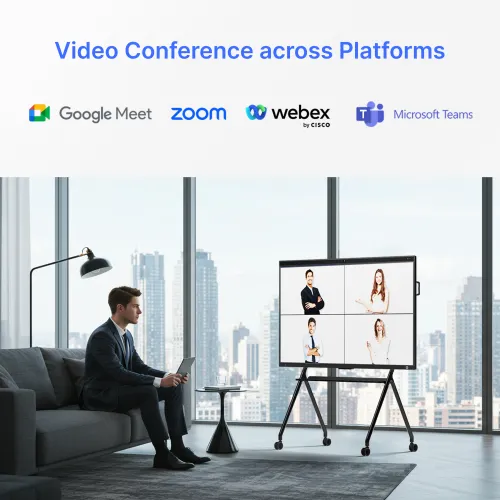
Create an immersive hybrid meeting experience in any space with the smart whiteboard for office, powered by a built-in 4K camera, 24-microphone array, and premium speakers.
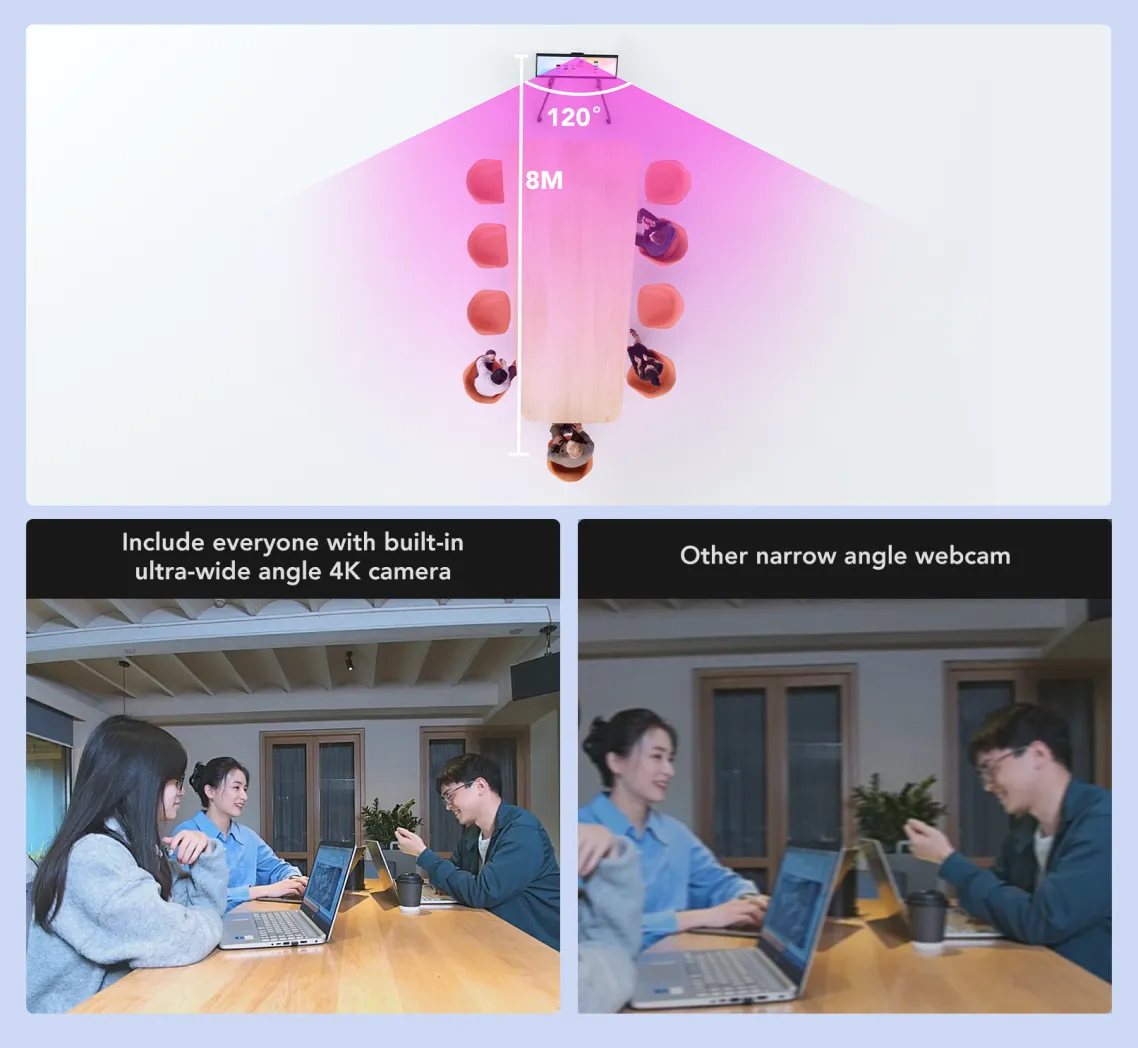
Ensure everyone is part of the conversation using our custom-designed 120° ultra-wide lens. Every participant can experience superior video quality, enhanced detail, and a professional appearance with 4K HD resolution on the smart whiteboard for office.
The smart board for conference room offers versatile camera modes, including Auto-Framing and Gallery Mode, to create a more immersive hybrid meeting experience. Everyone is featured clearly, whether they’re in the room or joining remotely.
With a 24-microphone array, the digital whiteboard for office integrates with audio AI for echo and noise cancellation. Capture crystal-clear audio within a spacious 26ft/8m radius, ensuring that every voice is heard clearly during your meetings.
Whiteboard
Collaborate Across Devices
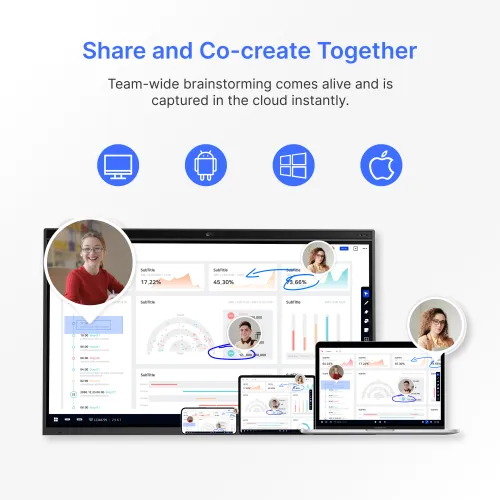
Ignite team-wide creativity with NearHub Canvas whiteboard. Capture and collaborate on ideas instantly in the cloud.
NearHub Canvas offers multi-device support, allowing seamless collaboration on the smart whiteboard for office, web browser, tablet, or phone from anywhere. Collaborators can add feedback and ideas using comments to drive team discussions effectively.
Equipped with 40 touchpoints, the NearHub Board supports up to 4 people writing simultaneously with the passive stylus. Everyone can draw on the big screen with lifelike brushes and vibrant colors.
Easily save time using hundreds of ready-to-use templates like Process Flowchart, Empathy Map, and SWOT Analysis for common use cases and proven methods—perfect for businesses using smart boards for business.
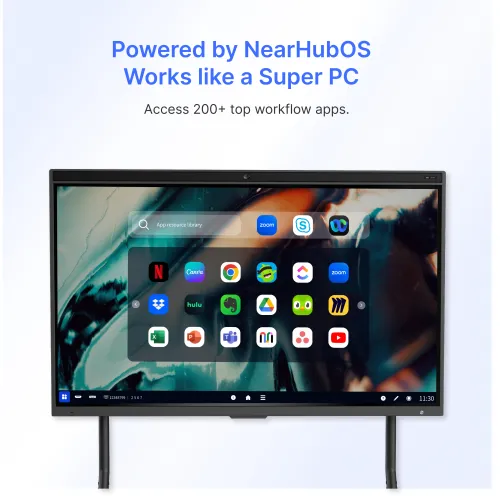
Powered by NearHubOS
Streamline Your Workflow
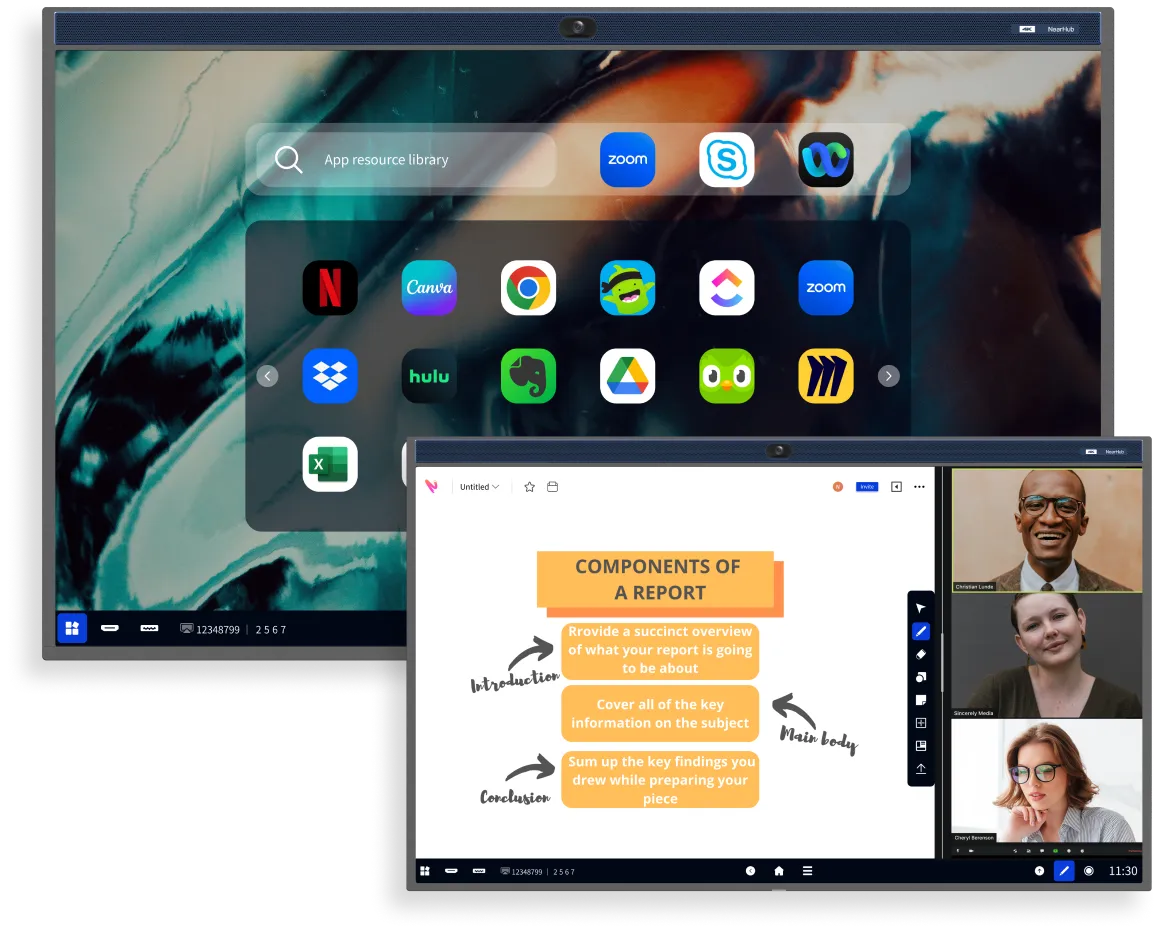
Maximize productivity and engagement with NearHubOS, an intuitive system that transforms meetings, enhances real-time collaboration, and makes presentations more impactful—all on your smart whiteboard for office or business use.
NearHubOS, built on the foundation of AndroidOS, is specifically designed to optimize touchscreen functionality. . You can enrich your ideas through annotations, view multiple windows using split-screen mode, and initiate meetings with a single click.
NearHubOS integrates seamlessly with Google Play and NearHub App Store, enabling easy adoption of touchscreen-friendly apps. Minimal IT support is required, making it ideal for smart boards for business or smart whiteboard for office environments.
NearHub supports effortless streaming from your home office to home theater. Enjoy your favorite apps, Apple TV, and game consoles integrated directly into the smart board for office use.
Tech Spec
Dimensions
Product Dimensions: 1511(W) 920(H) 88(D)mm
Package Dimensions: 1660(W) 1045(H) 245(D)mm
Weight
Product Weight: 95 lb
Gross Weight: 124 lb
Resolution
3840 x 2160 (4K) @ 60Hz
Operating System
NearHubOS (Based on Android) Windows (with OPS)
Compute
Arm A311D2 Processor, 8-core 4.2GHz frequency 8GB DDR4, 128GB EMMCNearHubOS (Based on Android) Windows (with OPS)
Display
16:9 aspect ratio
10-bit color depth
Anti-glare
Brightness: Typ 400cd/㎡; min
350cd/㎡
6.5ms response time
178° (H) / 178° (V) viewing angle
Wireless
Wi-Fi 6: IEEE 802.11ax/ac/a/b/g/n Compatible
Bluetooth®️ Wireless 5.2 technology
Audio
24-element 180°microphone array
Ambience Noise Suppression
Reverbration Suppression
RT60<1S
2*10W Speaker
Camera (Built-in)
Image Sensor: Sony CMOS,
8.42MP (4K) 1/2.8 inch
FOV: 120° (D), 110° (H), 75° (V)
Speaker tracking / auto-framing / Gallery view
Connections & Power
HDMI-in*1;HDMl-out *1
3.5mm Line-out *1
USB 3.0 x 2, USB 2.0 x 1
USB Type-C *1, USB Type-B*1
RJ45 *1
OPS Support (90w Max)(on the right side)
AC 100-240V, 50-60Hz power source ≤ 200W Max power consumption
Touch
Infrared multi-touch technology
40 simultaneous touch points
Response time: < 8ms
Refresh rate: 130Hz
Minimum identifiable object 2mm
Pen gap 25mm(diameter 3mm)
Protection tempered glass: 2mm
Touch Accuracy ≤ ± 1mm
Writing points 5*2mm
Portable Stand (Optional)
Package size: 1265 × 865 × 215mm
Package weight: 30 lb
FAQ

Avant Interact weaves digital magic, creating vibrant, interactive journeys that leave lasting impressions and spark meaningful connections.
+603-9100 1636
sales@avantinteract.com
A-6-2, Megan Phoenix, Jalan 2/142A, Off, Jalan Cheras, 56000 Kuala Lumpur, Wilayah Persekutuan Kuala Lumpur.
Notifications