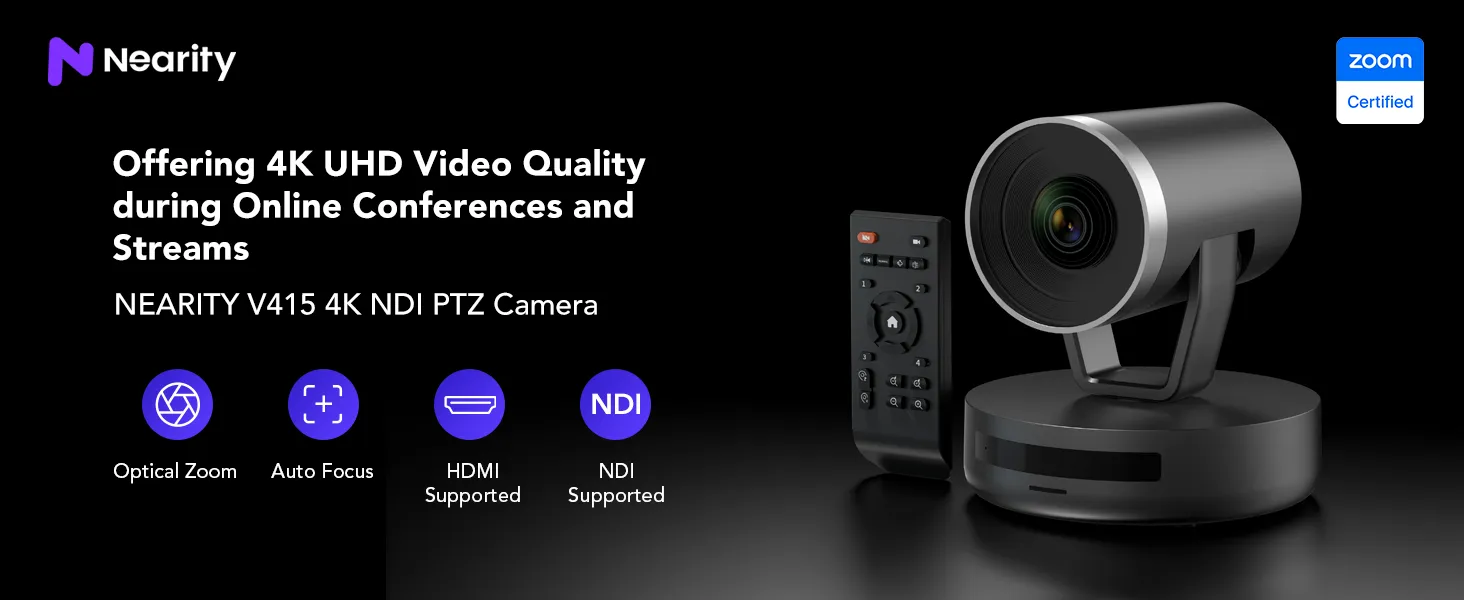
With premium CMOS sensor, the Nearity V415 4K PTZ conference camera provides HD and Ultra HD video conferencing solutions with exceptional video sharpness and vivid color reproduction. Nearity provide business with a high-quality video PTZ conference cameras.
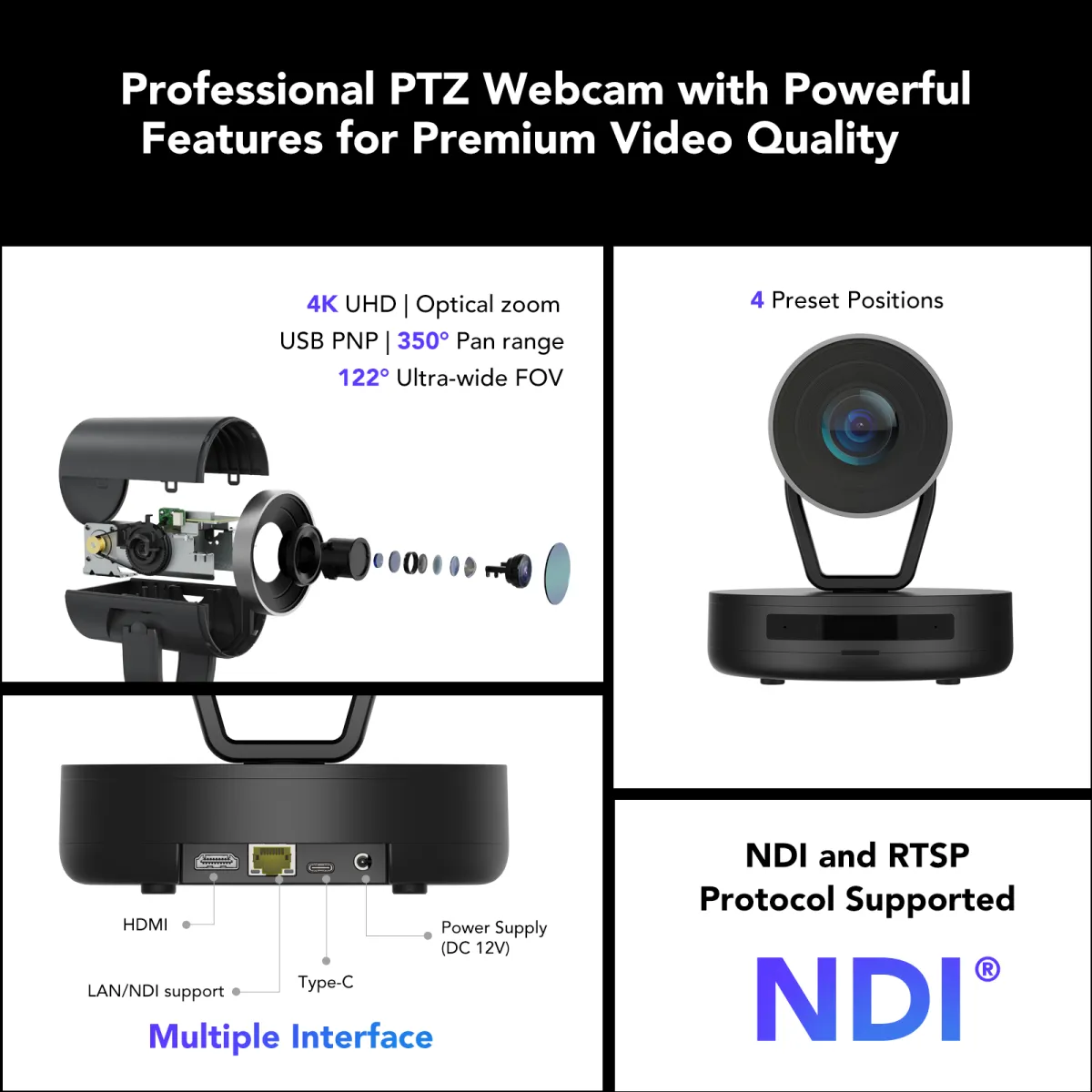
Multiple Interfaces Supported
The Type-C port connects to a PC, the HDMI port connects to a display, and the RJ45 port links to a network switch for streaming.
NDI and RSTP Protocol Supported
NDI enables real-time transmission of HD video, audio, and metadata over standard Ethernet networks.
Flexible Installation for Any Meeting Room
You can mount it on a tripod through the 1/4” screw hole, or simply place it on a wall or desk.
Optical Zoom
With 5x optical zoom and 3x digital zoom (15x hybrid zoom), the conference camera delivers crystal-clear images at maximum magnification, maintaining clarity without distortion.
Pan & Tilt Smoothly
The PTZ camera smoothly rotates 350° horizontally (±175°) and 60° vertically (±30°), Nearity 4K NDI PTZ conference camera offes precise adjustments for your preferred viewing angle with effortless remote control. Stay connected with attendance from any location.
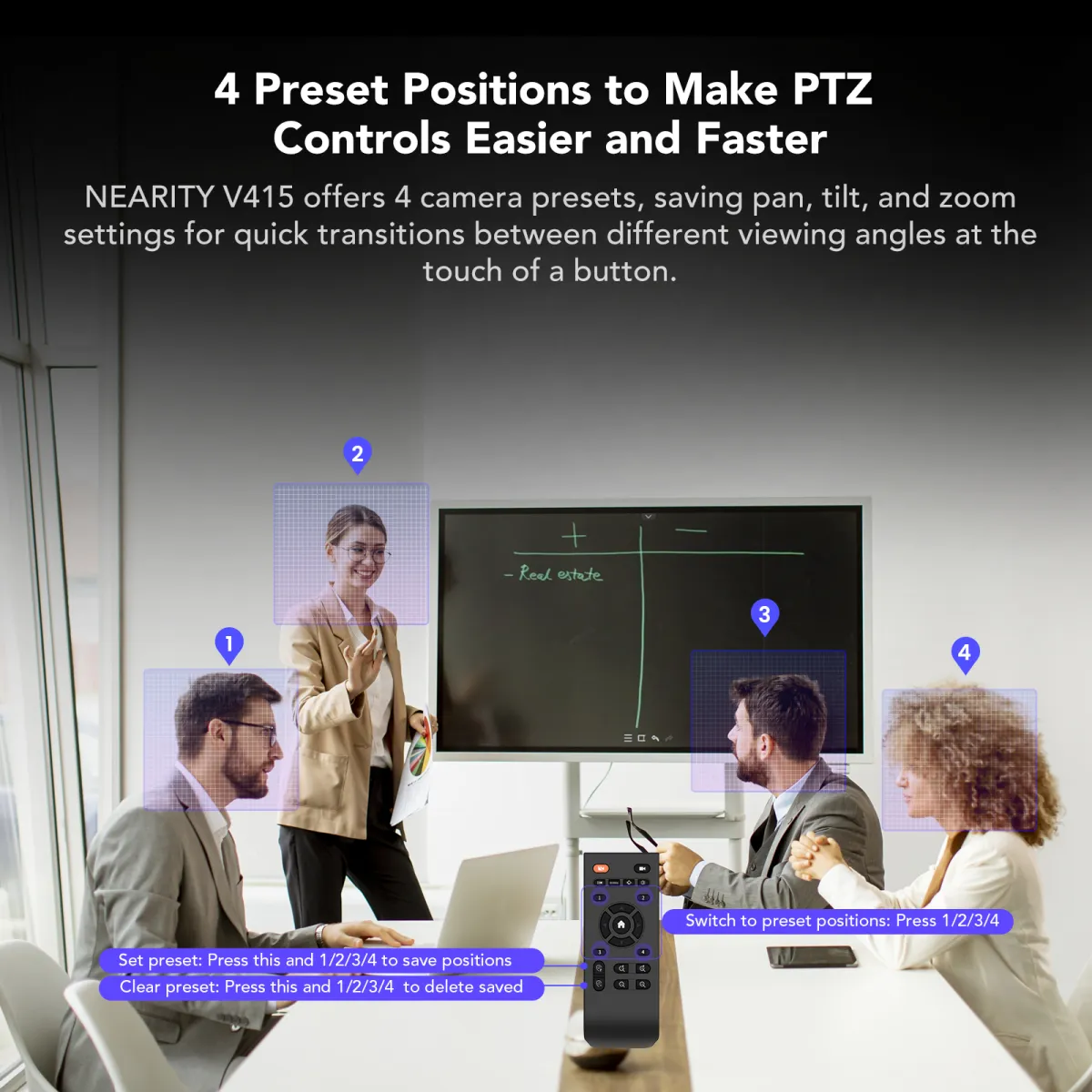
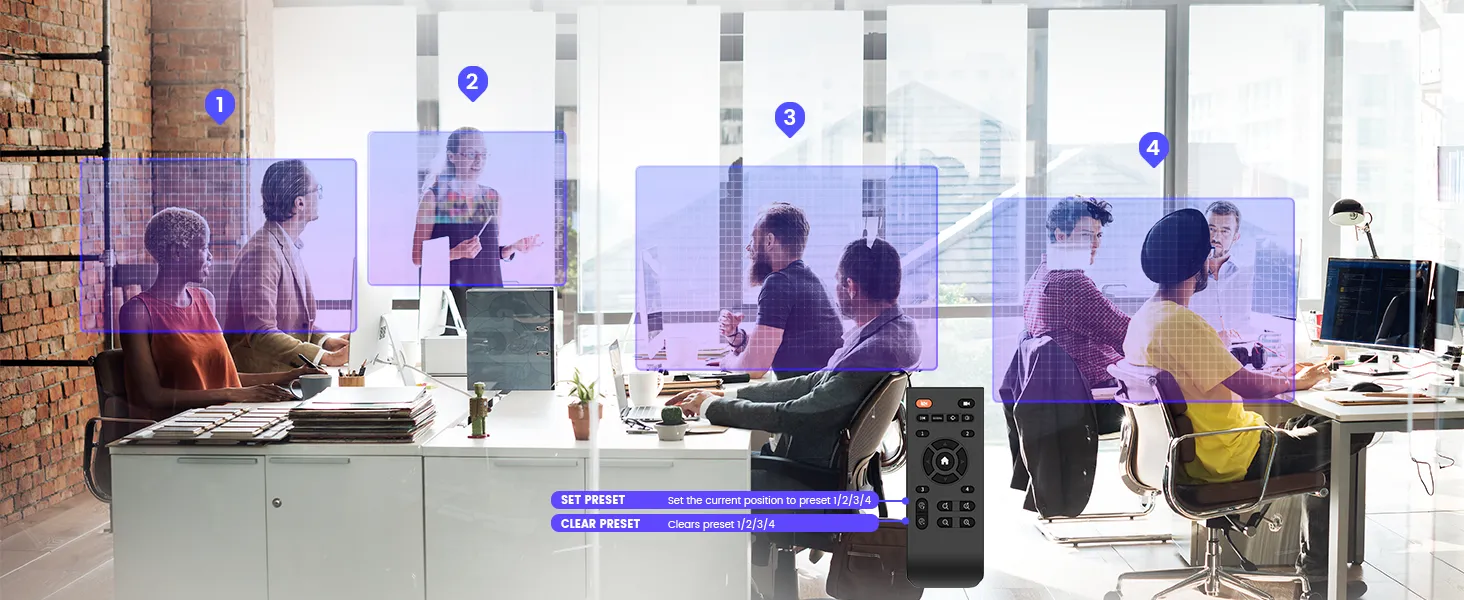
4 Preset Position
Nearity 4K Zoom certified conference camera V415 offers 4 camera presets, saving pan, tilt, and zoom settings for quick transitions between different viewing angles at the touch of a button.
Easy To Install And Use
Compatible with desktop computers, PCs, and laptops running Windows, MacOS, ChromeOS, and Linux, the Nearity 4K Zoom certified PTZ conference camera requires no additional drivers or software installation. Simply plug in and play for instant access to high-quality audio conferencing. This hassle-free setup enhances productivity and ensures a smooth user experience across various operating systems and devices.
NEARITY NearSync for Tailored Configuration
In NearSync, you can effortlessly customize parameters and update the device firmware to suit your preferences. Just download NearSync from NEARITY official website and install in on your PC!
Video Conference
Lecture
Live Broadcast
Church Streaming
What’s in the Box?
Nearity V415 4K Zoom Certified DNI PTZ Camera x1
USB Cable x1
Remote Control x1
Adapter x1
User Manual x1
Product Details
Brand & Model
Nearity V415
Type
4K Zoom Certified NDI Conference Camera
Dimensions
166*153*153mm
Sensor
1/2.8 inches CMOS, 4MP
Hybrid Zoom
5x optical zoom and 3x digital zoom
Video Resolution
4K UHD
Viewing Angle
87° (H) 55° (V) 98° (D)
Focus Mode
Auto/Manual/Smart Framing
Pan/tilt Range
pan: ±175° ; tilt: ±30°
Supported Systems
WIN/MAC/Linux
Connectivity
USB C / RJ45 / HDMI
Certifications and Compliance
Microsoft Teams / Zoom / Google Meet / Webex / GoTo Meeting
Aperture
F1.8 ~ F2.8
Auto Exposure
√
White Balance
Auto/Manual
Noise Suppression
√
Preset Position
4
NDI Supported
√
Optional Mounts
Tripod bracket / TV bracket / Wall bracket
Unit Weight
1117.5g | 39.4 oz
Power Supply
DC 12V/1.5A
FAQ
How far is the microphone’s pickup distance?
Our video conference camera boasts a pickup range of up to 1.5m, optimized by our built-in AGC algorithm. It’s ideal for stability and clarity.
Do I need to install other software to set up this PTZ conference camera?
No additional software or drivers are required! Our PTZ conference camera features plug-and-play functionality, ensuring hassle-free setup. Simply connect them to your computer, and it’s ready to go.
Can this PTZ conference camera be used on a Mac Book?
Absolutely! Our PTZ conference camera has been rigorously tested and verified for compatibility with Mac Book models, including M1, M2, M3, and X86 processors.
Dose it work with Zoom and Microsoft Teams?
Yes, Compatible with Zoom, Skype for business, Microsoft Lync(Teams), Voovmeeting, CISCO WebEx and other conferencing software.
Can it be controlled via software?
Enjoy effortless control with the pocket-sized remote, offering a range of functionalities. Plus, we have the software of NearSync to update the camera and customize parameters effortlessly.
Can it be mounted on a tripod?
You can mount it on a tripod through the 1/4” screw hole.
Can we flip-install the V415 PTZ camera to the ceiling?
Yes. After installation, remember to filp the image back by the remote control or Device Manager tool.
Can the V415 PTZ support HDMI and USB output at the same time?
Yes. You can use HDMI and USB output simultaneously.